












top of page
Choose the annual plan & get free migration!
How We Help You!
Get setup in minutes and never worry about bookkeeping again.

1. Connect Your Bank Accounts
Link your chequing accounts, credit cards and all other business accounts to have all your transactions in one place. This is the starting point of your bookkeeping.

2. Upload Your Receipts
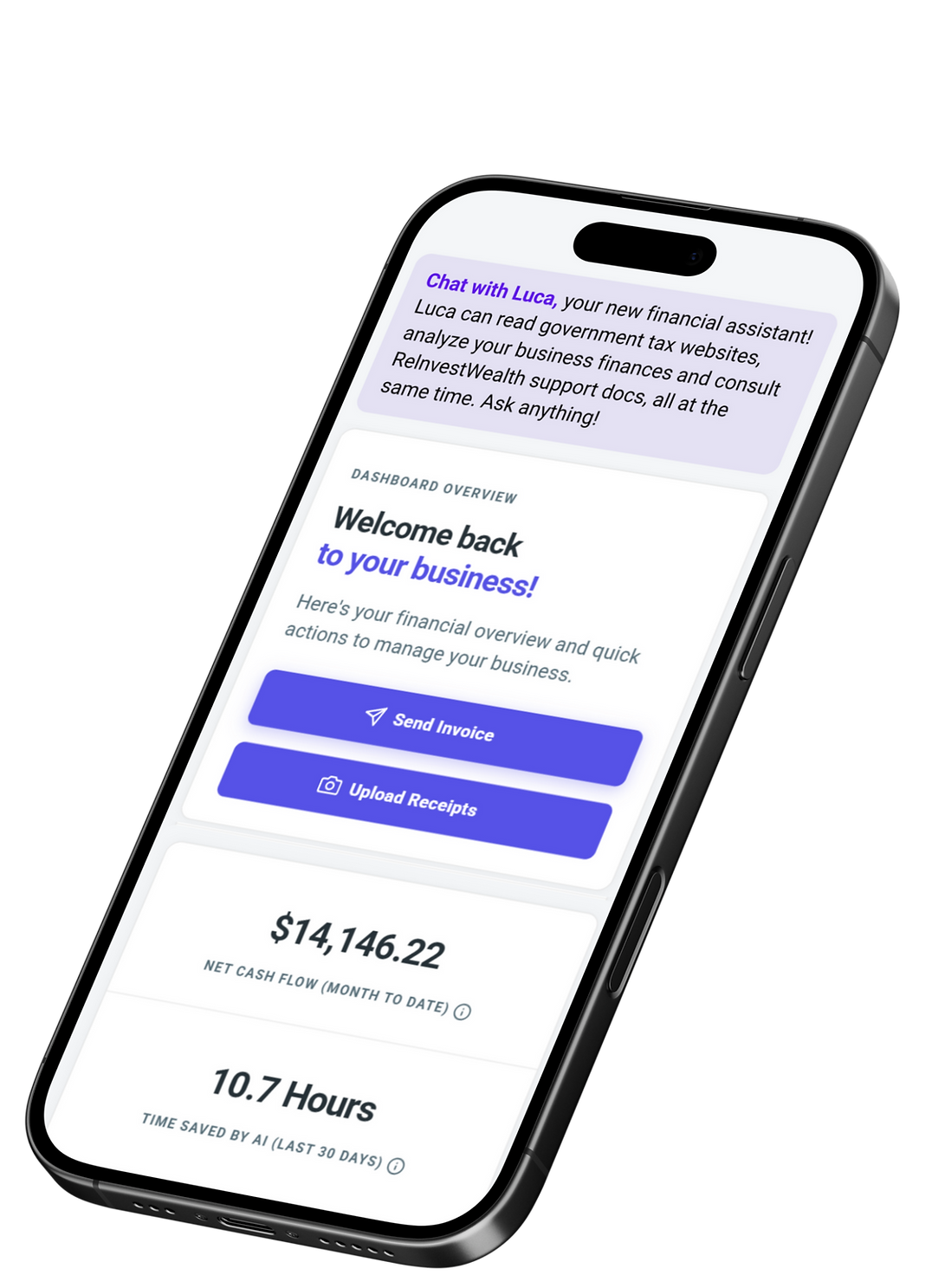
Upload your receipts from the app or from your laptop. We'll analyze each receipt and auto-match it with the correct bank transactions from step 1.

3. AI Does Your Bookkeeping
The AI Bookkeeper will analyze everything and do the bookkeeping for you. It works 24/7 and is trained by professional accountants.

4. View Your Financials
Track your performance with clear financial reports. View your Profit & Loss report, Balance Sheet, General Ledger and more.

5. File Your Taxes
Automatically find as many tax deductions as possible. File your taxes with ReInvestWealth or through one of our partners.
Click Play to Watch the Demo

Watch Customer Testimonial
Security & Privacy Built In
Accounting software that keeps your data confidential, safe and secure.
.png)
Your Data is Encrypted
ReInvestWealth uses server-side encryption to automatically encrypt data before it is stored. The data is then automatically decrypted only when read by an authorized user.
.png)
Data Stored In Canada
Data is stored on servers in Montreal, Canada. Not only is it safe in the country, the data is in Google's most sustainable region with no carbon emissions and no grid carbon intensity.
.png)
Google Cloud Security
ReInvestWealth's accounting software is developed and deployed on the Google Cloud which is built using rigorous security practices to keep your data safe and secure.
.png)
Google Sign-In Services
Google's security helps better protect you by detecting any suspicious log-in activity. Plus, you won't have to remember another set of usernames and passwords.
bottom of page